Windows 11 Xbox mode has been updated, providing users with easier access to desktop and power controls. This enhancement is designed to improve the overall gaming experience on Windows 11.
Introduction to Windows 11 Xbox Mode
Microsoft has recently enhanced the functionality of Windows 11 Xbox mode, offering users improved access to desktop controls and power settings. This update aims to streamline the gaming experience while ensuring that players can easily manage their system preferences without interrupting their gameplay.
One of the standout features of the update is the integration of desktop controls directly within the Xbox mode interface. This allows gamers to quickly switch between gaming and desktop tasks with minimal hassle.
Additionally, the power controls have been refined, making it simpler for users to adjust settings on the fly. As gaming continues to evolve, Microsoft is committed to providing a seamless experience that caters to both casual and hardcore gamers alike.
In summary, the enhancements to Windows 11 Xbox mode reflect Microsoft’s dedication to improving user experience, ensuring that players have everything they need at their fingertips.
Key Features of the Update
The latest update to Windows 11 Xbox mode introduces several key features aimed at enhancing user experience. These improvements focus on providing seamless access to desktop controls while gaming. Users will benefit from the following enhancements:
- Quick Access Menu: An updated quick access menu allows for faster navigation between gaming and desktop functionalities.
- Streamlined Power Controls: Users can now easily manage power settings, reducing interruptions during gameplay.
- Improved Multitasking: Enhanced multitasking capabilities enable smoother transitions between applications and gaming sessions.
- Customizable Settings: The update allows users to tailor their desktop controls to suit individual preferences, making the experience more personalized.
With these features, Windows 11 Xbox mode truly caters to gamers looking for easy access to desktop controls without compromising on performance. This update marks a significant step toward integrating gaming and productivity.
User Experience Improvements
With the latest update to Windows 11 Xbox mode, users can enjoy a significantly enhanced experience when accessing desktop controls. The integration of these features allows for smoother navigation and increased functionality while gaming.
Among the notable improvements are:
- Streamlined Access: Users can now quickly switch between gaming and desktop environments without hassle.
- Improved Power Controls: The update provides easier access to power settings, allowing gamers to manage their systems more effectively.
- User-Friendly Interface: The redesigned interface enhances usability, making it more intuitive for gamers to find the tools they need.
These user experience improvements in Windows 11 Xbox mode highlight Microsoft’s commitment to creating a seamless environment for both gaming and productivity. With these changes, users can enjoy a more efficient and enjoyable gaming experience, reaping the benefits of better control at their fingertips.
Comparison with Previous Versions
With the introduction of Windows 11 Xbox mode, Microsoft has made significant strides compared to earlier versions of Windows. One of the most notable differences is the enhanced accessibility of desktop controls. Users can now easily switch between gaming and desktop environments without navigating through multiple menus.
In previous versions, accessing power controls and system settings required several steps, often leading to frustration during gameplay. In contrast, Windows 11 Xbox mode streamlines this process, ensuring that gamers can quickly manage their settings while remaining immersed in their experiences.
Furthermore, the integration of Xbox features into the Windows environment has improved overall functionality. This update not only enhances gaming but also promotes a seamless transition for users who use their PCs for both work and play.
Overall, Windows 11 Xbox mode exemplifies Microsoft’s commitment to creating a holistic user experience that caters to the needs of modern gamers.
How to Access New Features
Accessing the new features in Windows 11 Xbox mode is straightforward and user-friendly. To start, follow these simple steps:
- Open the Xbox Game Bar: Press the Windows key + G to launch the Game Bar overlay.
- Navigate to the Quick Settings: Click on the gear icon in the Game Bar to access the Quick Settings menu.
- Adjust Desktop Controls: From here, you can easily toggle settings like audio control, screen capture, and performance metrics.
- Access Power Controls: The updated interface allows for quick access to power options, making it easy to manage your gaming sessions.
With these enhancements, users can enjoy a seamless experience in Windows 11 Xbox mode, ensuring that they have all the necessary tools at their fingertips for an optimal gaming experience.
Community Reactions and Feedback
Since the rollout of the updated Windows 11 Xbox mode, the community has been buzzing with reactions and feedback. Many users have expressed their excitement over the new accessibility features that allow for seamless integration of desktop controls while gaming.
In a recent poll, a significant number of gamers highlighted the convenience of having power controls readily available. They noted that this enhancement reduces the need to switch between interfaces, making multitasking much smoother. One user commented, “The new Xbox mode in Windows 11 has transformed my gaming setup; I can now manage my desktop without interrupting my gameplay.”
However, some users reported minor glitches, particularly with certain applications not syncing properly with the Xbox mode. This feedback has prompted Microsoft to assure the community that ongoing improvements will be made. Overall, the response to Windows 11 Xbox mode reflects a generally positive sentiment, with many looking forward to future updates.
Future Updates and Expectations
As Microsoft continues to enhance the Windows 11 Xbox mode, users can look forward to a series of future updates aimed at improving functionality and user experience. These updates are expected to introduce new features that facilitate a more seamless integration between gaming and desktop operations.
In particular, gamers can anticipate:
- Enhanced Performance: Optimizations tailored for better game loading times and smoother gameplay.
- Streamlined Controls: Additional customization options for desktop and power controls, making it easier to switch between gaming and productivity.
- Expanded Compatibility: Support for a wider range of peripherals and accessories to enrich the gaming experience.
With these advancements, the Windows 11 Xbox mode is poised to become a central hub for gamers, merging entertainment with everyday tasks. Users are eager to see how these changes will shape their gaming environments and overall productivity.
Conclusion: Enhanced Gaming Experience
In conclusion, the latest updates to the Windows 11 Xbox mode have significantly enhanced the overall gaming experience for users. The integration of easier access to desktop controls and power options allows gamers to seamlessly transition between gaming and multitasking, without the hassle of navigating through multiple menus. This streamlined approach not only saves time but also improves performance during critical gaming moments.
As the community continues to provide feedback, it is clear that players appreciate the thoughtful design and user-friendly features introduced in this update. Moreover, the anticipation for future enhancements suggests that Microsoft is committed to refining Windows 11 Xbox mode further, ensuring it meets the evolving needs of gamers.
Overall, these improvements symbolize a step forward in how gaming on PCs can be both efficient and enjoyable, setting a new standard for what users can expect from their gaming experience.
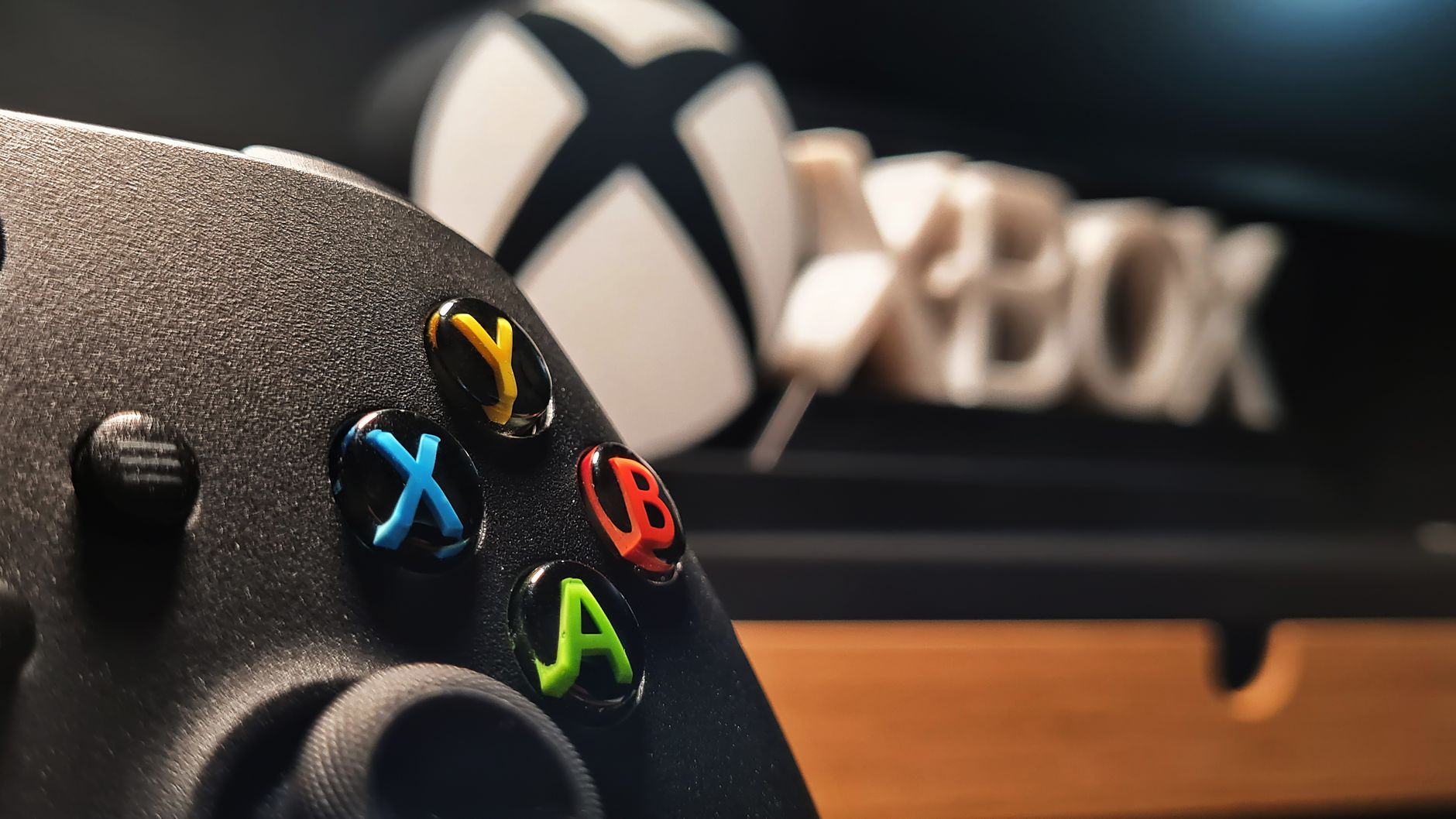
Photo by Ny Zoltán on Pexels